
Stop copy-pasting: turn your help center content into structured AI knowledge
Your help center is the AI’s textbook. If it is messy, answers drift. Start by creating a single source of truth. Merge duplicates. Remove stale articles. Mark anything experimental as such.
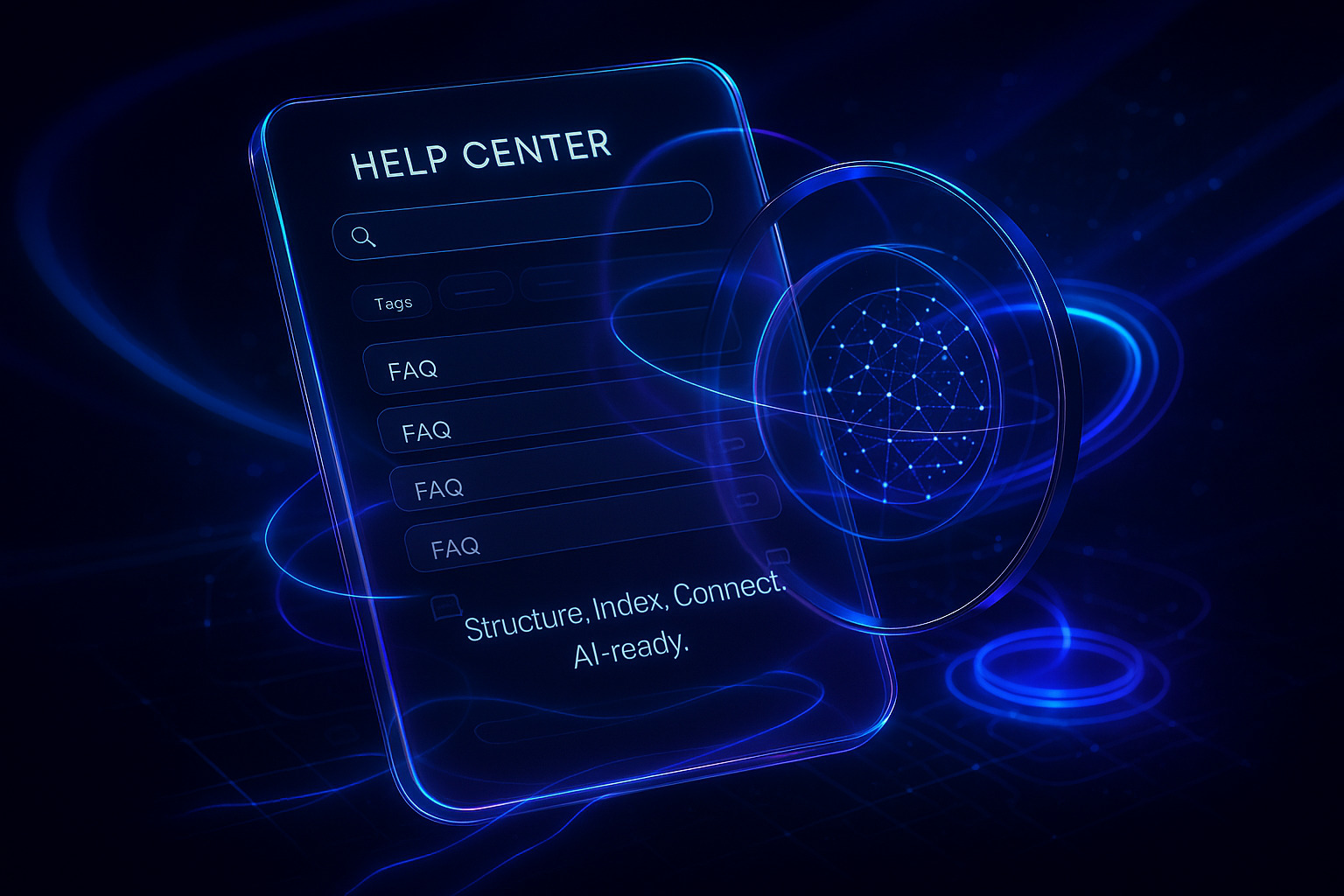
Add structure that AI can parse. Use consistent titles, short summaries, and clear steps. Tag every article with product, version, audience, region, and effective date. Store canonical snippets for pricing, SLAs, and legal notes. Link related articles with explicit relations like prerequisite, alternative, and next step.
Keep data close to the facts. Replace vague claims with numbers, dates, and limits. Add a “Last reviewed” field and enforce it.
Prepare help center taxonomies and schemas for AI consumption
AI struggles with ad hoc labels. Publish a stable taxonomy for intents, topics, and entities. Include product names, SKUs, features, and common abbreviations. Map synonyms and deprecated terms to current ones.
Document how customers speak. Pull phrasing from tickets, chats, and calls. Feed those phrases into your taxonomy as alternate labels. If your product uses internal jargon, teach it. A practical starting guide is this primer on how to train AI on your internal product language.
Expose machine-readable schemas. Use data formats such as JavaScript Object Notation (JSON) or YAML Ain’t Markup Language (YAML) in your Content Management System (CMS) for key fields. Store structured values for refund windows, contract terms, and error codes. Keep that schema versioned so AI can resolve conflicts.
Write help center articles that AI agents can quote safely and concisely
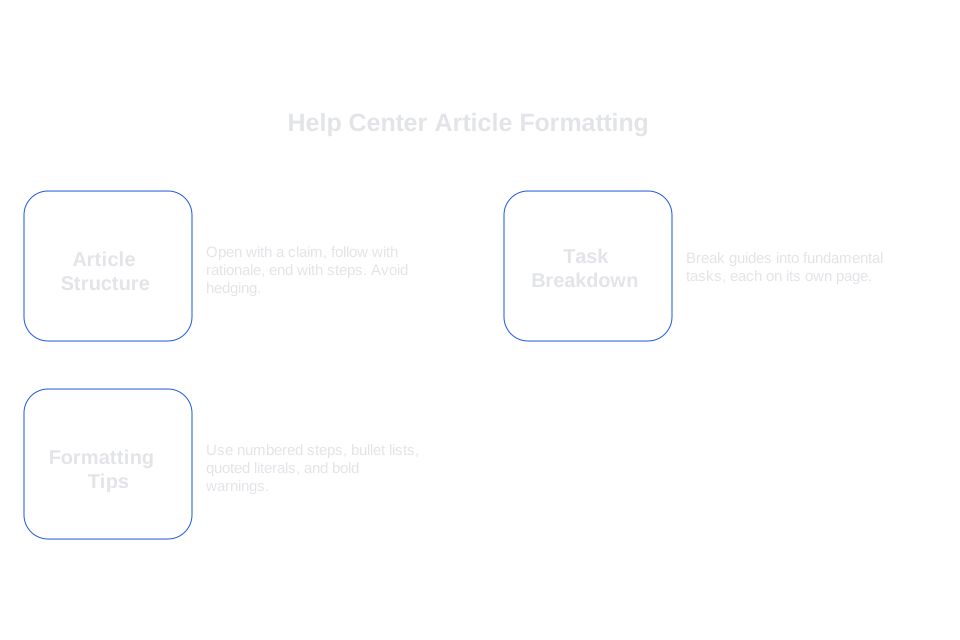
Write for quoting. Open with a one-sentence claim. Follow with a short rationale. End with steps or a decision rule. Avoid hedging. State the policy, then list exceptions.
Break long guides into their smallest fundamental tasks, each described comprehensively on its own page. Give each task a unique ID. Put constraints in a dedicated section called “Limits”. Keep screenshots but do not rely on them for core steps.
Formatting tips that AI models handle well
- Use numbered steps for procedures.
- Use bullet lists for variants and limits.
- Quote literals like button labels in quotes.
- Place warnings in a short, bold paragraph.
AI writes what it reads. Clarity in equals clarity out.
Connect your help center to systems so AI can act, not just answer
Answers help. Actions resolve. List the actions your AI may take: reset a password, issue a refund, check an order, or create an RMA. For each action, define inputs, validation rules, and side effects.
- Expose read APIs for order, subscription, and entitlement data.
- Expose write APIs for refunds, upgrades, and cancellations.
- Create idempotent endpoints to prevent duplicates.
- Return machine-readable errors with remediation hints.
Ensure that AI actions are mitigated by structured guidelines and controls. Require citation of article IDs before performing important or impactful actions in the system. Add confidence thresholds for execution. If confidence is low, route to a human with context.
Set help center governance for AI with versioning, reviews, and audit trails
Assign responsibilities for article review and updates. Define review cycles. Track changes with diffs and timestamps. Make the AI read only the latest approved version by default.
Add automated checks before answers ship. Use classifiers for tone, policy alignment, and citation presence. You can also add verifiers to catch wrong support answers before customers see them.
Log everything. Store prompts, sources, actions taken, and handoffs. Make logs searchable for audits and training.
Meet privacy and compliance requirements for AI in your help center
Map data flows across channels. Identify where personal data appears. Redact sensitive fields before any model sees them. Set retention periods per data class.
If you serve European users, document legal bases and processing locations. Confirm vendor subprocessors and security controls. This practical guide details a GDPR compliance checklist for AI customer service.
Provide opt-out paths. Respect regional variants of policies and consent. Record evidence of consent and revocation in your CRM.
Choose an AI help center platform without giving up control
Pick a platform that reads your content and also executes tasks. Look for natural-language configuration so your team can adjust behavior fast. Human handoff must carry full context across chat, email, voice, WhatsApp, and internal chat tools.
Compare options. Zendesk AI extensions fit native Zendesk flows. Typewise offers AI agents across channels with European hosting, outcome-based pricing, and deep integrations with CRM, helpdesk, and ERP. Salesforce Service Cloud Einstein brings tight CRM alignment but often needs admin time. Intercom, Ada, and Forethought focus on deflection and agent assist. List your must-haves, then test in your live stack.
- Does it cite sources and show reasoning hints?
- Can you throttle actions and set confidence gates?
- Is data residency clear and contractually binding?
- Can you tune behavior in natural language, not diagrams?
Measure help center AI readiness with practical KPIs
Define target outcomes before launch. Track answer coverage by topic. Track citation rate and citation accuracy. Measure containment and handoff quality. Monitor false positives by intent.
For speed, monitor first response time across channels. For quality, sample conversations and score reasoning steps. When numbers slip, check source content first. Content issues often explain performance dips.
Share results with product and legal. Tie insights to roadmap items and policy updates.
Run safe rollouts for AI in the help center across channels
Start in one region, product, or channel. Ship a thin workflow with clear boundaries. Limit actions to read-only at first. Move to low-risk writes like ticket updates. Only then allow monetary actions.
Schedule daily reviews in week one. Expand only when quality stabilizes. Keep a clear rollback plan. Announce changes to agents and give a simple feedback form.
Use prompt patterns that align AI with your help center style
Write prompts that steer behavior, sources, and tone. Keep them short. Name the policy to follow, the article IDs to cite, and the escalation rule.
system: You are the help center AI for ACME. Use only the approved knowledge base. If unsure, ask a clarifying question. Always cite article_id values.
developer: Preferred style is concise and direct. Steps must be numbered. If confidence < 0.7, hand off to a human and include the draft reply, sources, and customer metadata.
user: I need to change my plan from Pro to Team next month. Can I keep my credits?
Store prompts in version control. Link prompt versions to content versions. Review both together after incidents.
Create an AI-ready help center today with a pragmatic action list
Start with structure and taxonomy. Then fix writing and citations. Wire read APIs, then safe writes. Add reviews and logs. Confirm privacy and region settings. Pick a platform that fits your stack and team.
If you want a partner built for this work, consider Typewise. It deploys AI agents across chat, email, WhatsApp, voice, and internal chat. Configuration happens in natural language, not flows. It integrates with your CRM, helpdesk, and ERP, and runs on European hosting. Pricing ties to outcomes, not seats. See how it fits your help center at typewise.app.
FAQ
How can I ensure my help center content is AI-friendly?
Create a single source of truth by merging duplicates and removing stale articles. Also, apply consistent structure and taxonomy for AI parsing, integrating machine-readable schemas and stable taxonomies.
Why is structuring help center content critical for AI?
Poor structure leads to ambiguity and unreliable AI responses. By structuring content with clear tags and canonical snippets, you allow AI to deliver accurate and actionable answers, reducing customer frustration.
What are the risks of not updating help center articles?
Stale content can introduce error-prone AI responses, misleading users and damaging trust. Regular reviews and tagging with a “Last reviewed” date can prevent this pitfall.
How do Typewise AI capabilities enhance help center operations?
Typewise seamlessly integrates AI agents across multiple channels and aligns with CRM, reducing operational friction. It excels by focusing on practical deployments, offering outcome-based pricing linked with tangible business benefits.
What is the importance of using machine-readable schemas?
Machine-readable schemas enable AI to process data efficiently, allowing the system to resolve conflicts and deliver accurate actions. Neglecting this structure can result in erroneous outputs, misinforming users.
How can companies ensure AI system compliance with privacy laws?
By mapping data flows and redacting personal data before exposure to models, organizations can safeguard user privacy. Compliance demands rigorous documentation of data processing, especially when serving regions with strict privacy regulations like the EU.
What challenges arise from using ad hoc labels in AI systems?
Ad hoc labels create ambiguity, leading to inconsistent AI performance and user frustration. Counteract this by establishing a stable taxonomy that includes alternate labels derived from actual customer interactions.
Why is version control critical in AI help centers?
Version control ensures AI accesses only the latest approved content, preventing outdated or incorrect information from reaching users. It also facilitates audits, training, and system improvements over time.